Megabutton Universal Remote Mk II+
The story behind the box
My brother-in-law Jake, who happens to be the same age as me, was born with cerebral palsy and has trouble using most everyday things. Even though he can’t speak or walk, he can get around by a sort of crawl and is good at using pictures in a binder to communicate, though it is a bit of a guessing game.
Because of his situation, he spends a lot of time watching TV shows and movies. Whenever he wanted to watch something, he would have to find his binder and someone willing to help, then play the guessing game until someone figured out what he wanted to watch. Then we’d have to find the DVD or VHS and put it on for him.
While most of us are willing to help, the whole process felt like it could be improved in some way. In addition to a binder for communicating, he had this tablet he could use called a Dynavox. It was large and old, and had some sort of IR capabilities. So I suggested that I could set it up to control the TV and the accessories. The only problem was that the Dynavox was unbelievably expensive and we were afraid it would be abused if left downstairs by the TV.
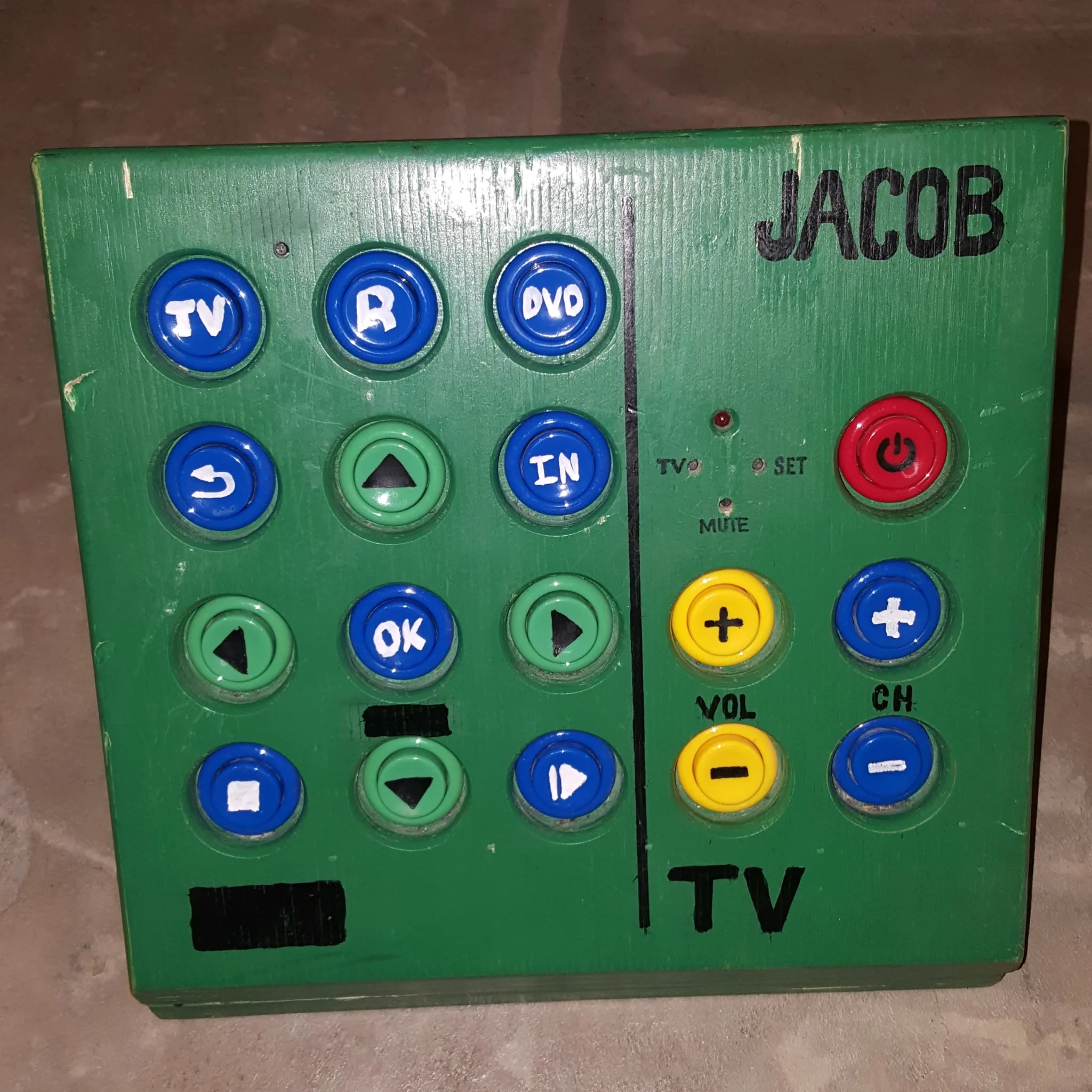
This is when I decided to build him a Megabutton Universal Remote: a simple, durable box dedicated to controlling the entertainment center.
Mark I
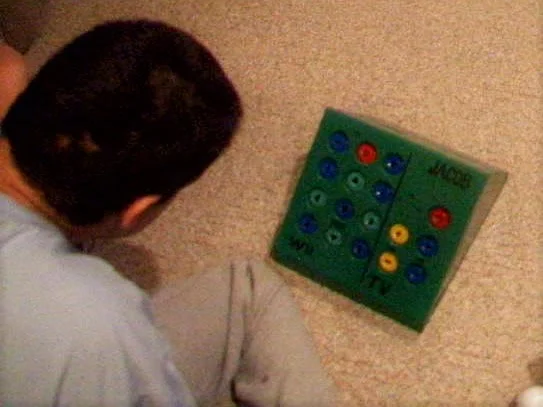
Originally, their entertainment system was set up with an old CRT TV and a Wii. So my original design included a very simple six-button universal remote and a Wii controller hacked to use 17 recessed arcade buttons to help prevent accidental button smashing.
The problem with that design was that the remote had to be programmed by pressing the volume and channel buttons in the proper sequence, which was hard to remember. The problem was made worse by the fact that every time the batteries fell out, which happened more often after the battery door was lost, the remote would “forget” its program. This still happened after I installed a different off-the-shelf universal remote that was supposed to remember its program between battery changes. The other problem was that there were limited things he could do on the Wii, and eventually the Wii controller I hacked died.
Mark II
In the meantime, I had discovered Plex, a self-hosted media server that could be shared with friends and family, and had built up a decent library of films my family and I owned.
When I showed my Plex media collection to my brother-in-law, he was so excited that he sent me home with a box of movies to add to the collection. He also pointed out that the green box he once loved and used so much didn’t work anymore with their upgraded entertainment center. It was time for a makeover.
In this new design I wanted to eliminate the most annoying problems he had with the old universal remote. Namely, settings being lost during a battery change, and tedious programming. Also I had to do something about that Wii controller.
This is when I decided to see if it might be possible to use a Logitech Harmony remote as the brains. I had a couple of Harmony 200 remotes that I’d used and decided to open one up to see what I could find. One neat design feature I discovered was that it had bare copper test points for each trace on the button matrix. I was able to use these points to solder wires to the remote since it is extremely difficult to solder wires directly onto the button pad.
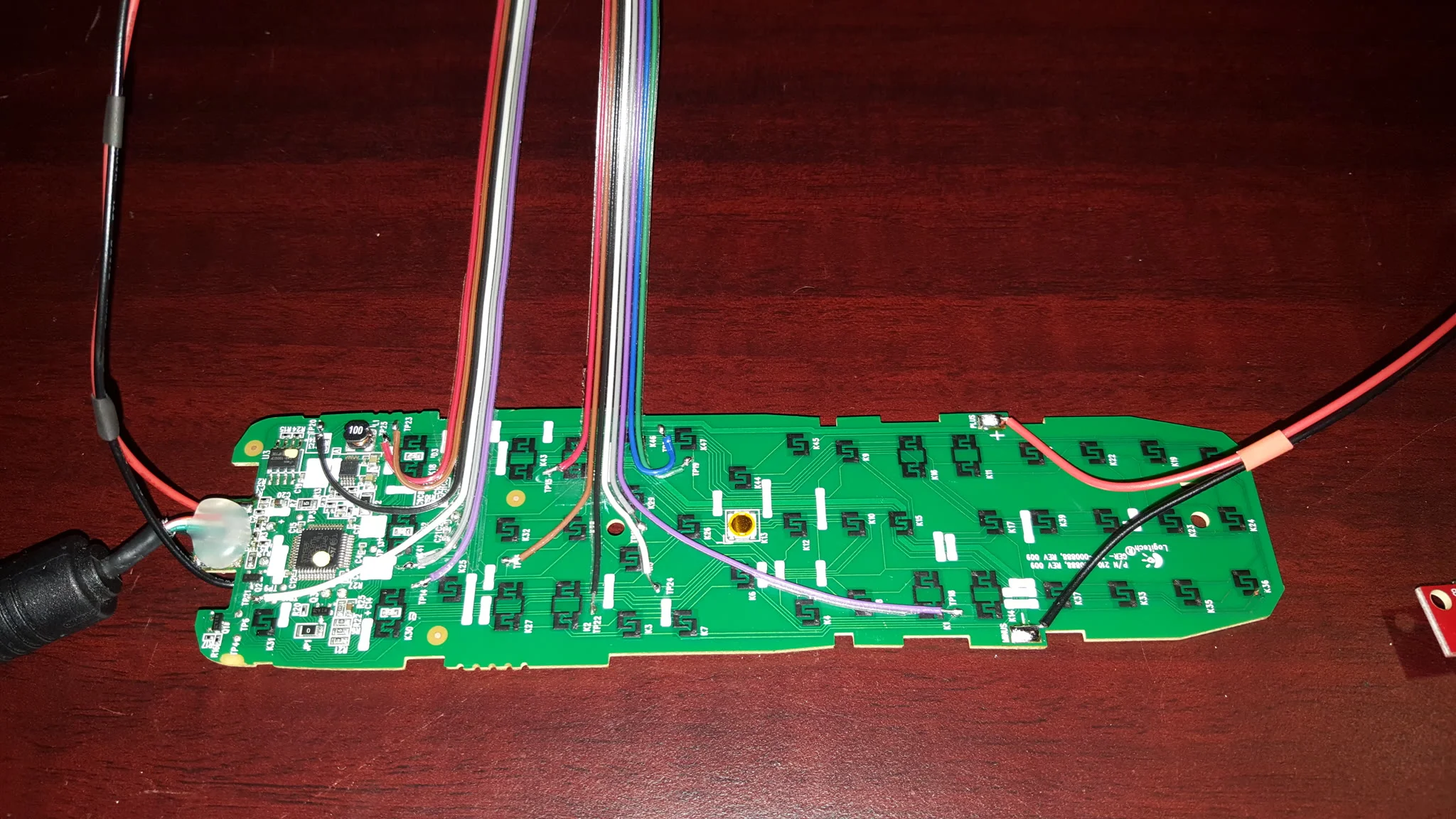
I also had to extend the IR LED, the device LEDs, the USB port, and the power lines to get everything to fit in the box. I thought it would be much easier to wire up the buttons using a breadboard and a button-to-test-point map. This way, to configure a button in the box, I just had to look at the map to find which two test points to plug the arcade button into. Another neat trick I discovered was that placing an LED inside one of these arcade buttons made it visible enough to light up the button. Since this Harmony remote has three device buttons that light up, I was able to transfer this usability feature to the arcade buttons.
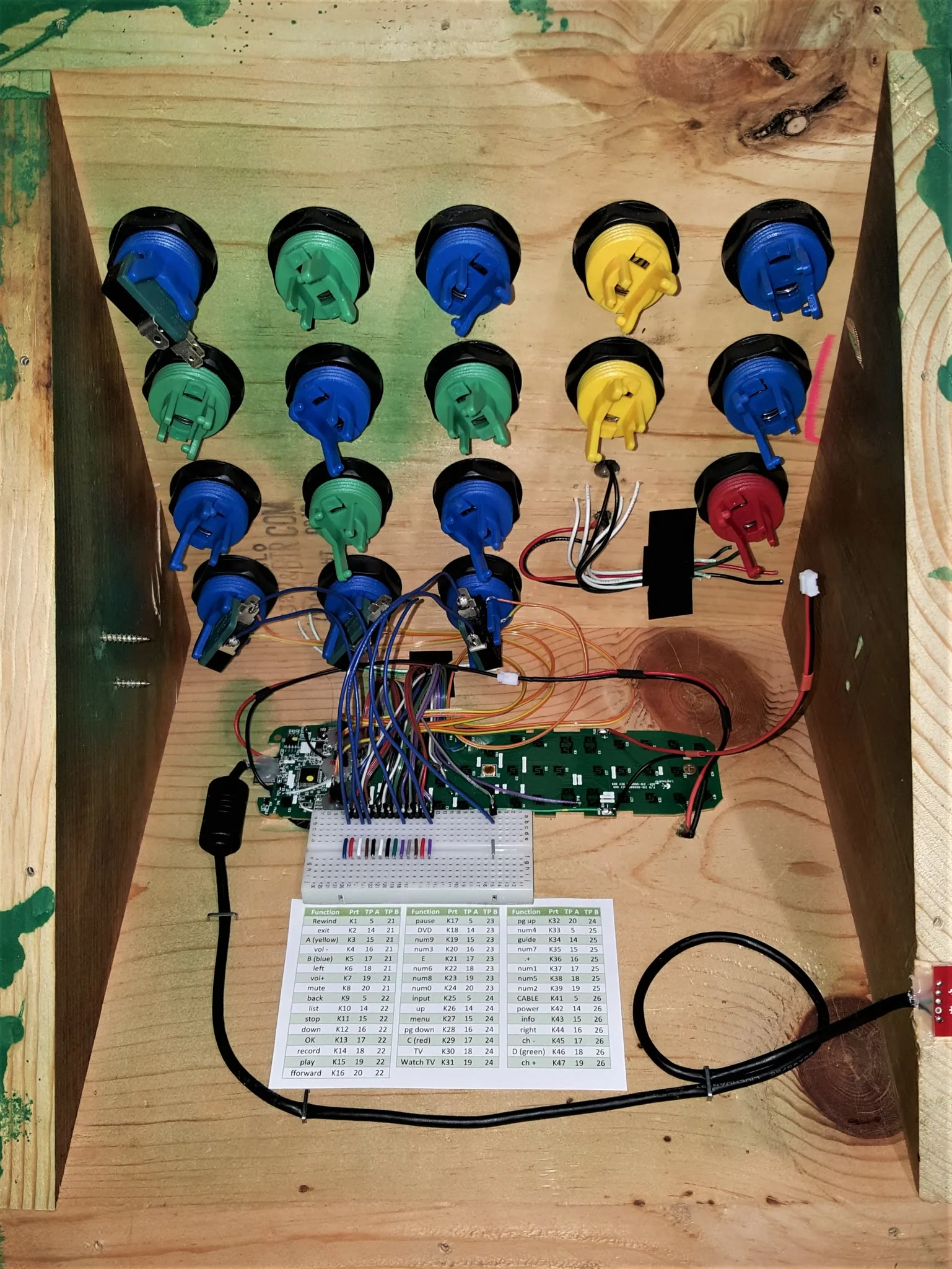
I was even able to leverage the Wii window in the original design for the IR receiver on the Harmony 200. This way you can still have the “remote” learn codes from other remotes.
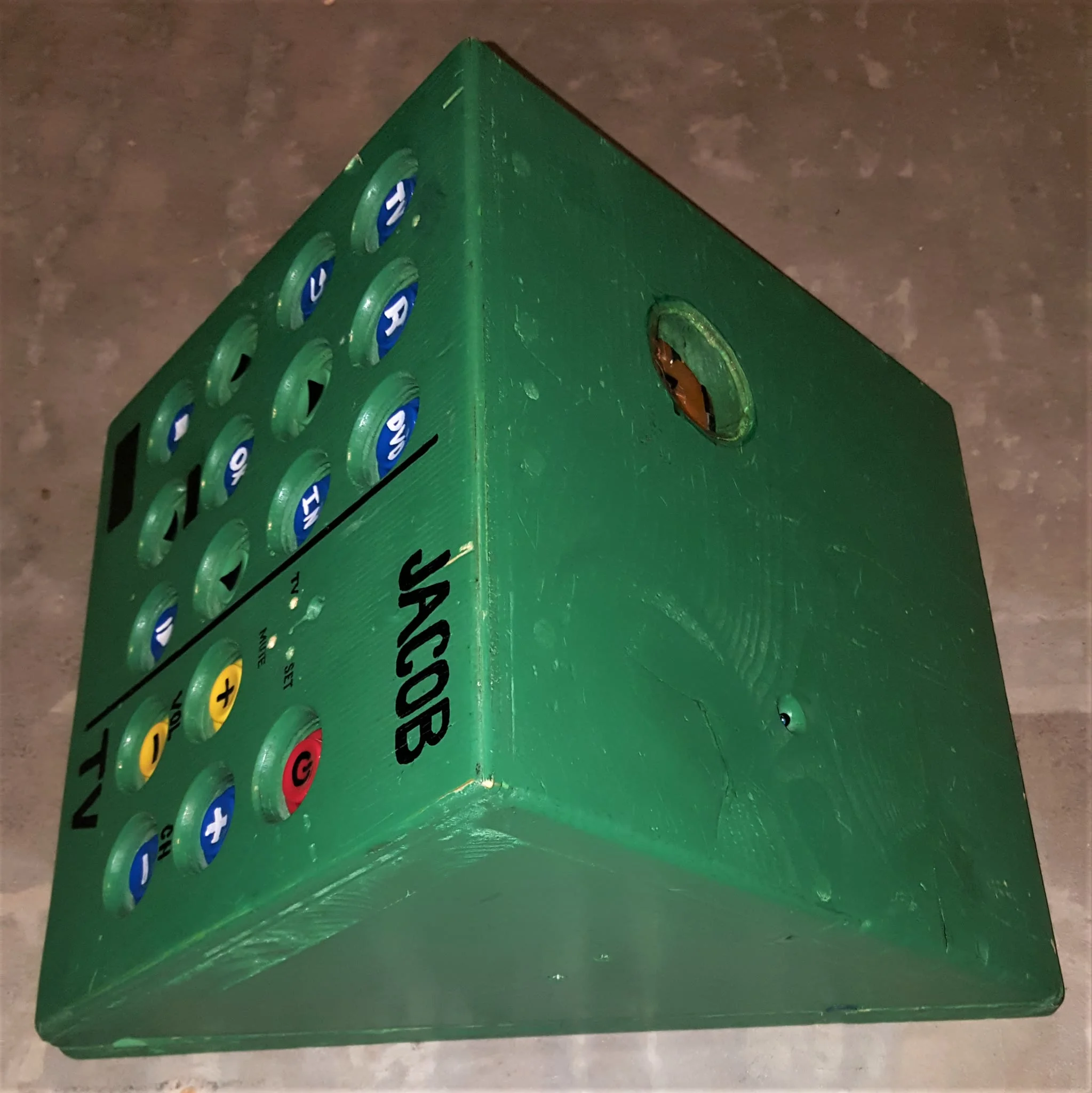
While these upgrades made the remote 1,000 times better, it still had problems. For one, the button wires would sometimes fall out of the breadboard, and I’d have to instruct people over the phone on how to service it. For some reason, this remote also seemed to suffer from the three-blinking-lights problem more often than I’d like. The fix was to hold down the number three button while replacing the batteries. The breadboard design was a lifesaver here, allowing me to add that function to one of the small push buttons left over from the old design: three of them and an LED right above the volume-up button.